Linux Kernel Startup: What Happens Before You See the Login Prompt
A humorous yet technical deep dive into the Linux kernel boot process – from the first instruction to driver initialization.
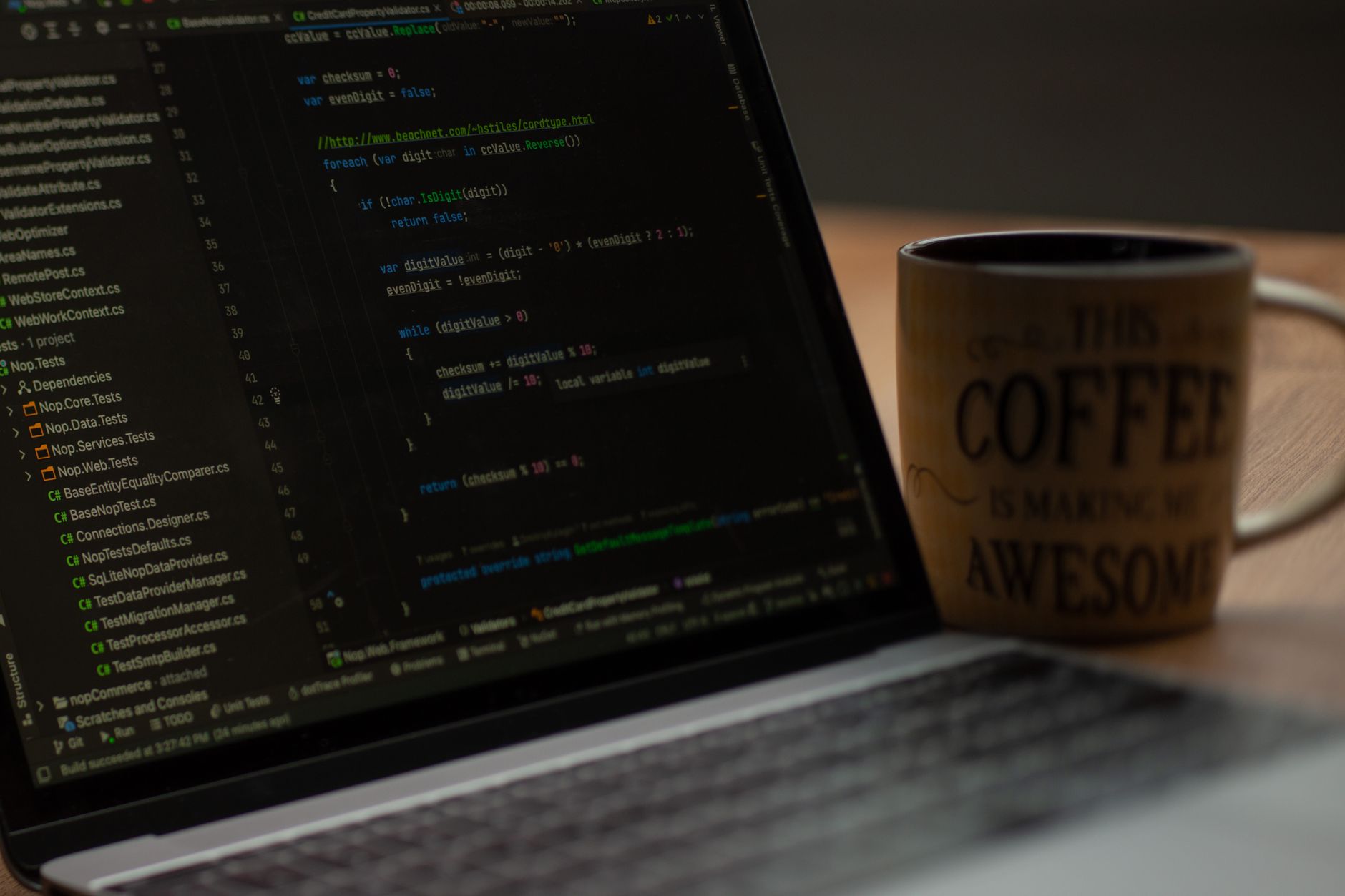
Ever wondered what goes on inside your Linux server during those few seconds when you're still fumbling for your coffee? The kernel startup is not just a "loading umbrella" but a full-blown quest worthy of a hacker movie. It all starts with the first instruction, which, like the first step on the Moon, sets the stage for everything else.
From BIOS to init: How the Kernel Wakes Up
First, the CPU wakes up in real mode, like a newly hatched chick. The bootloader (GRUB, of course) hands control to the kernel, and then the magic begins: the kernel switches to protected mode, sets up page tables, and initializes subsystems. It's like assembling IKEA furniture without instructions, except the instructions are in C and assembly.
Next up: driver initialization. You think your Wi-Fi just turned on by itself? No, the kernel runs through the device list like a courier on a route, asking each one: "Hello, who are you? Give me your capabilities." And if a driver crashes – welcome to kernel panic, my friend.
Speaking of familiar pain: anyone who has ever recompiled a kernel knows it's like stepping into a JIRA board with 47 columns – your eyes glaze over. But there's no way around it. Finally, after all the initialization, the init process starts, and you see your login prompt. Hooray, you can work now.
METABYTE studio comment: We love tinkering with the kernel too, but we prefer our clients don't have to. Trust us with your infrastructure setup – your servers will boot faster than you can find your Wi-Fi password.
NEXT STEP
Liked the approach?
We apply the same principles to client projects: AI, automation, products that don't die after launch.