Hosting a Site on Raspberry Pi: Cheap, but Prepare for Pain
Why pay for the cloud when you can suffer with a tiny ARM board?
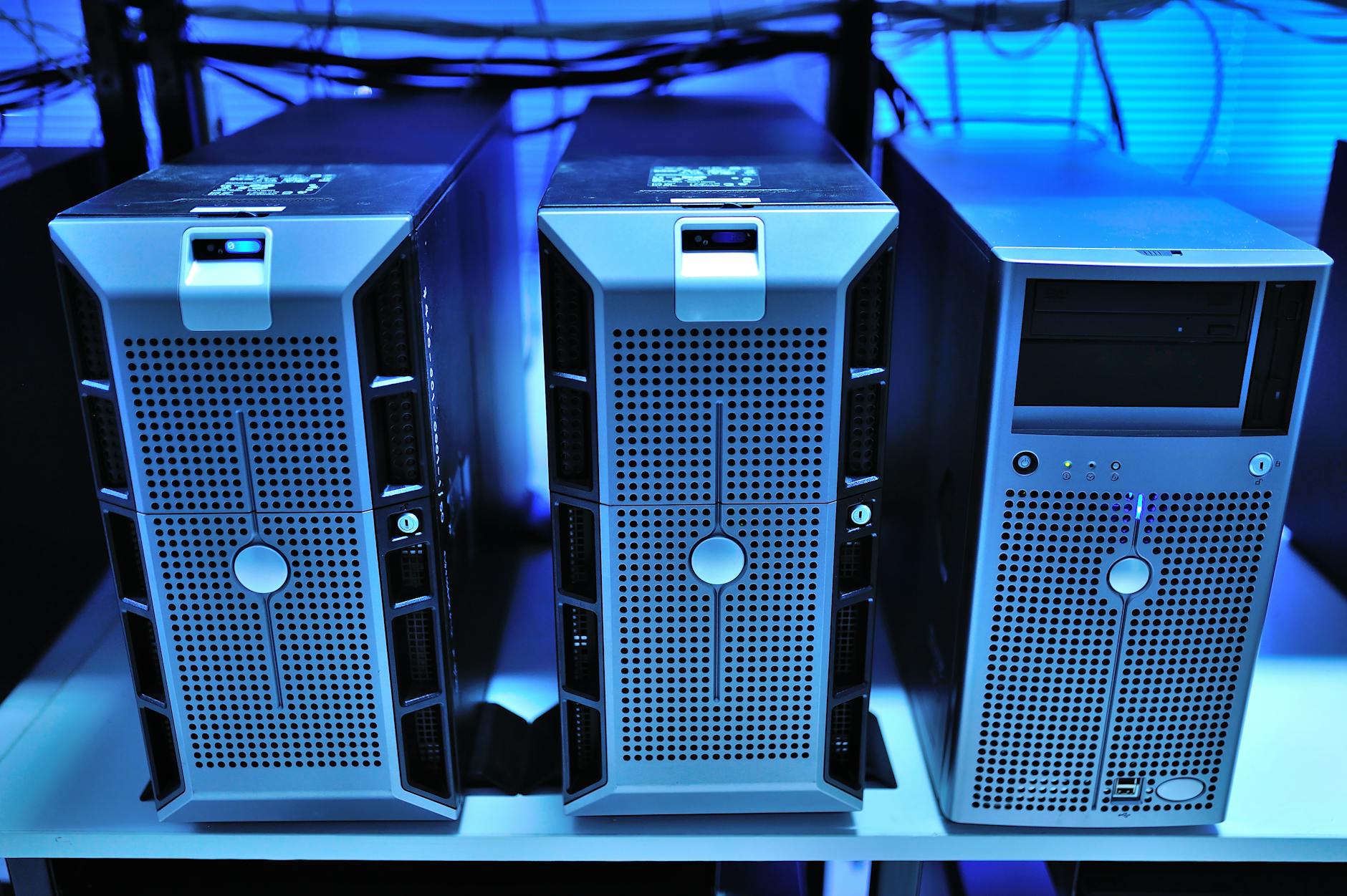
So you've decided to save on hosting and run your site on a Raspberry Pi. Commendable, but get ready for your project to run at the speed of your grandma's Wi-Fi. On the bright side, it's a great way to remember what real sysadmin feels like without fancy control panels.
What to Expect
- Setup: You'll manually install a web server, configure DNS, and pray your ISP doesn't change your IP. No one-click deploy here — just hardcore Googling of error messages.
- Performance: A Raspberry Pi 4 can handle a small blog or personal site, but if 10 people visit at once — expect timeouts. It's like trying to run Cyberpunk 2077 on a Pentium III.
- Reliability: The SD card is the weakest link. One day it will die, and you'll lose data. Tip: set up backups to an external drive immediately, or you'll cry like that dev who forgot to push before reinstalling.
If you enjoy tinkering with Linux and aren't afraid of security issues (open SSH on default port — classic), then Raspberry Pi is for you. But if you value your nerves and time, better look at a decent VPS for $5/month.
METABYTE studio comment: Raspberry Pi is a great toy for pet projects, but for production we'd recommend something more reliable. However, if you want to relive the thrill of deploying via FTP and praying for uptime, go ahead!
NEXT STEP
Liked the approach?
We apply the same principles to client projects: AI, automation, products that don't die after launch.