Claude Code + Docker Model Runner: Run AI Locally Without Burning API Credits
Run Claude Code in Docker to keep your API limits intact and your data private.
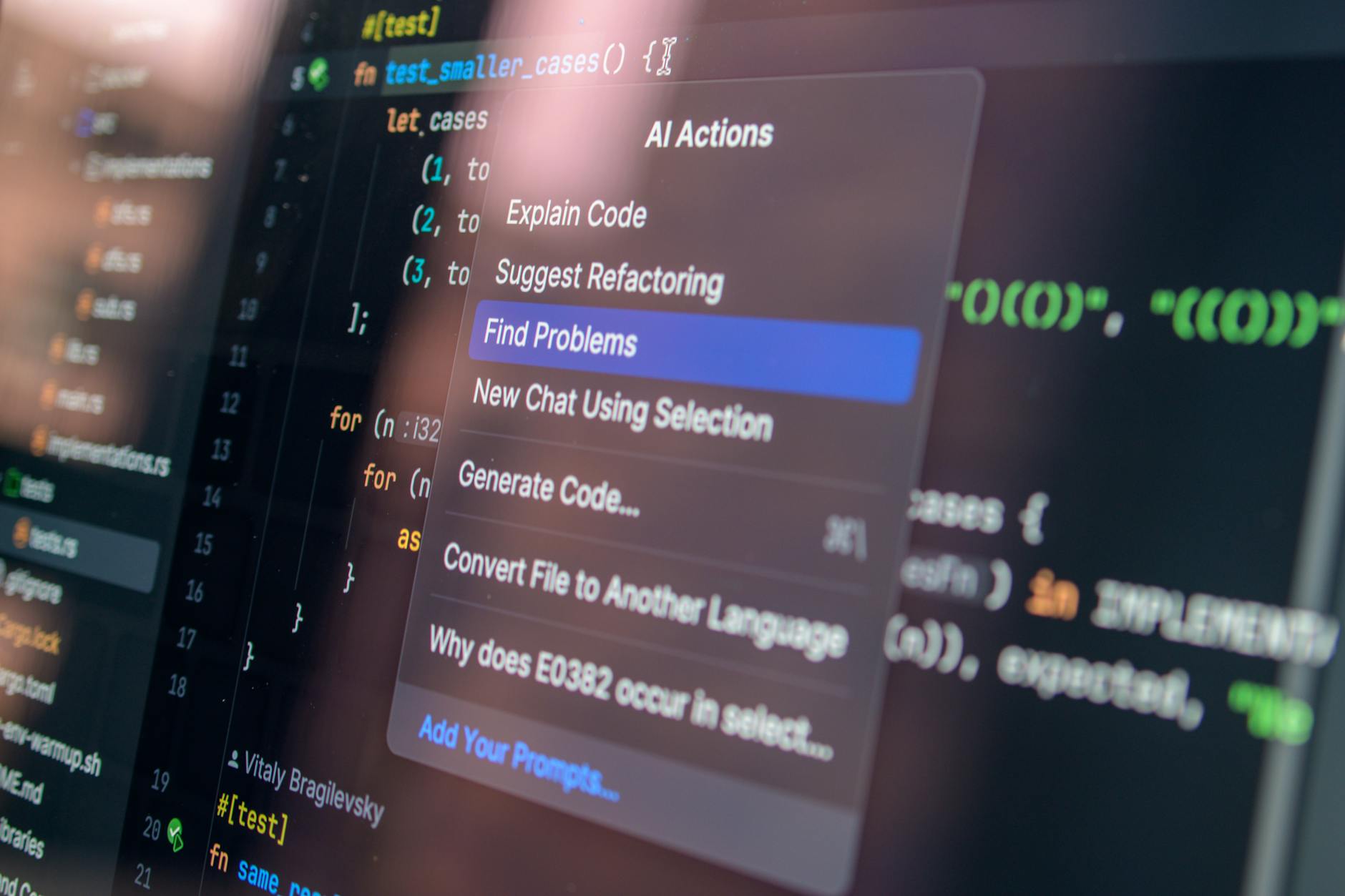
We all know Claude Code is a beast for coding. But there's a catch: it chews through API credits like a kid through candy. Enter Docker Model Runner – a way to run the model locally without sending every keystroke to the cloud.
How It Works
Instead of paying per API call to Anthropic, you spin up a container with the model and talk to it via Docker Network. It's like having a mini-Claude on your laptop – cheaper and more private.
The tutorial walks you through building a Docker image with the model, using docker compose to run it, and voilà – Claude Code works locally. No more "rate limit exceeded" at 3 AM.
Pros: full data control (no one peeking at your spaghetti code), API cost savings, and offline capability. Cons: you need a GPU and patience to download the model (it's heavier than a node_modules folder).
METABYTE studio comment: Running AI locally is like building your own PC instead of buying a console – more setup, but you get full control and no subscription fees. If your project needs privacy or you're tired of API bills, this approach will save your wallet and your sanity.
NEXT STEP
Liked the approach?
We apply the same principles to client projects: AI, automation, products that don't die after launch.